
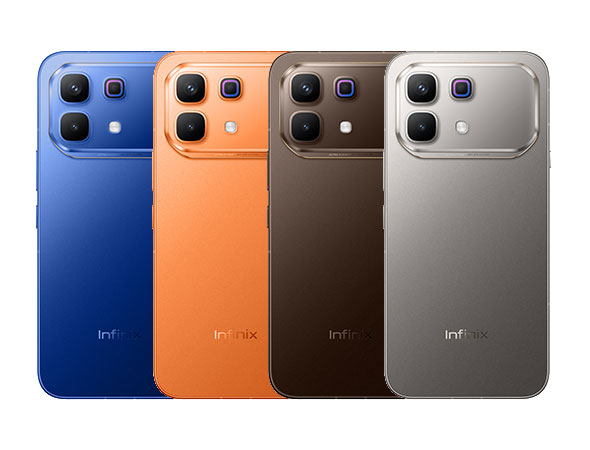
Infinix Note 60 Pro Review: The Pragmatic Power User’s Phone with a Gimmicky Back
Infinix Note 60 Pro: Great Battery Math, But I'm Wary of the Software

Let’s cut past the spec sheet fluff. The Infinix Note 60 Pro exists for one reason: to make you stop worrying about where your charger is. With a 6500mAh battery (give or take a region) and 90W charging in the box, this thing is a brute. It’s thick in the spec chart but surprisingly manageable in the hand at 7.4mm.
But this is Infinix, and the gap between the hardware promise and the software reality is usually where these phones live or die. Here’s the unvarnished look at what you’re actually getting into.
The Lights on the Back: Gimmick or Actually Useful?
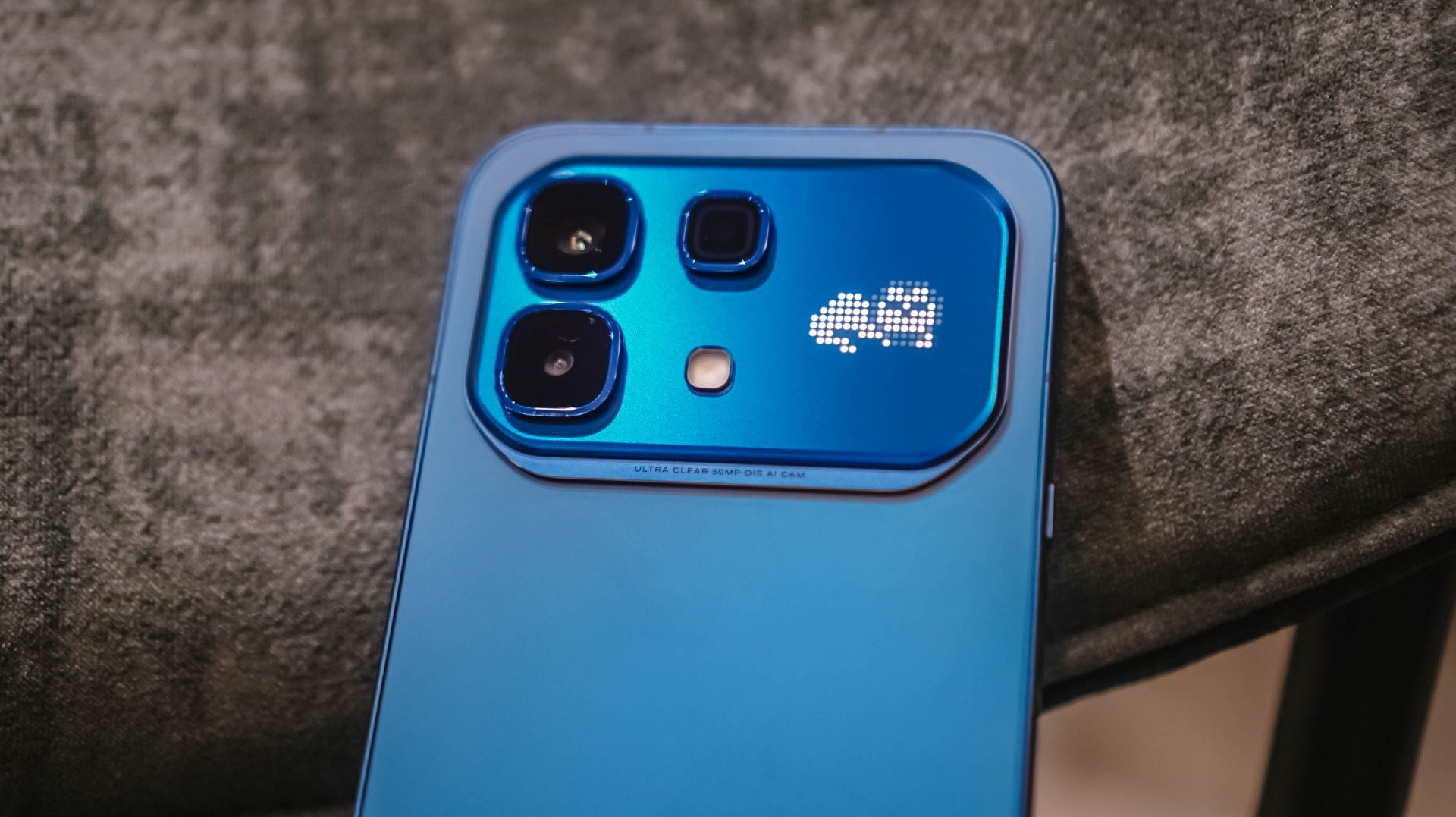
There’s an “Active Matrix” RGB panel on the back. It’s not a screen. It’s a glorified notification LED that looks cool when you get a call. That’s it. I can’t pretend this is revolutionary. It’s a conversation starter. If you’re the type of person who puts a case on their phone immediately (most of us), you’ll never see it again. If you rock your phone naked, you might glance at it and think, “Huh, neat.”
Battery Life: This is the Review
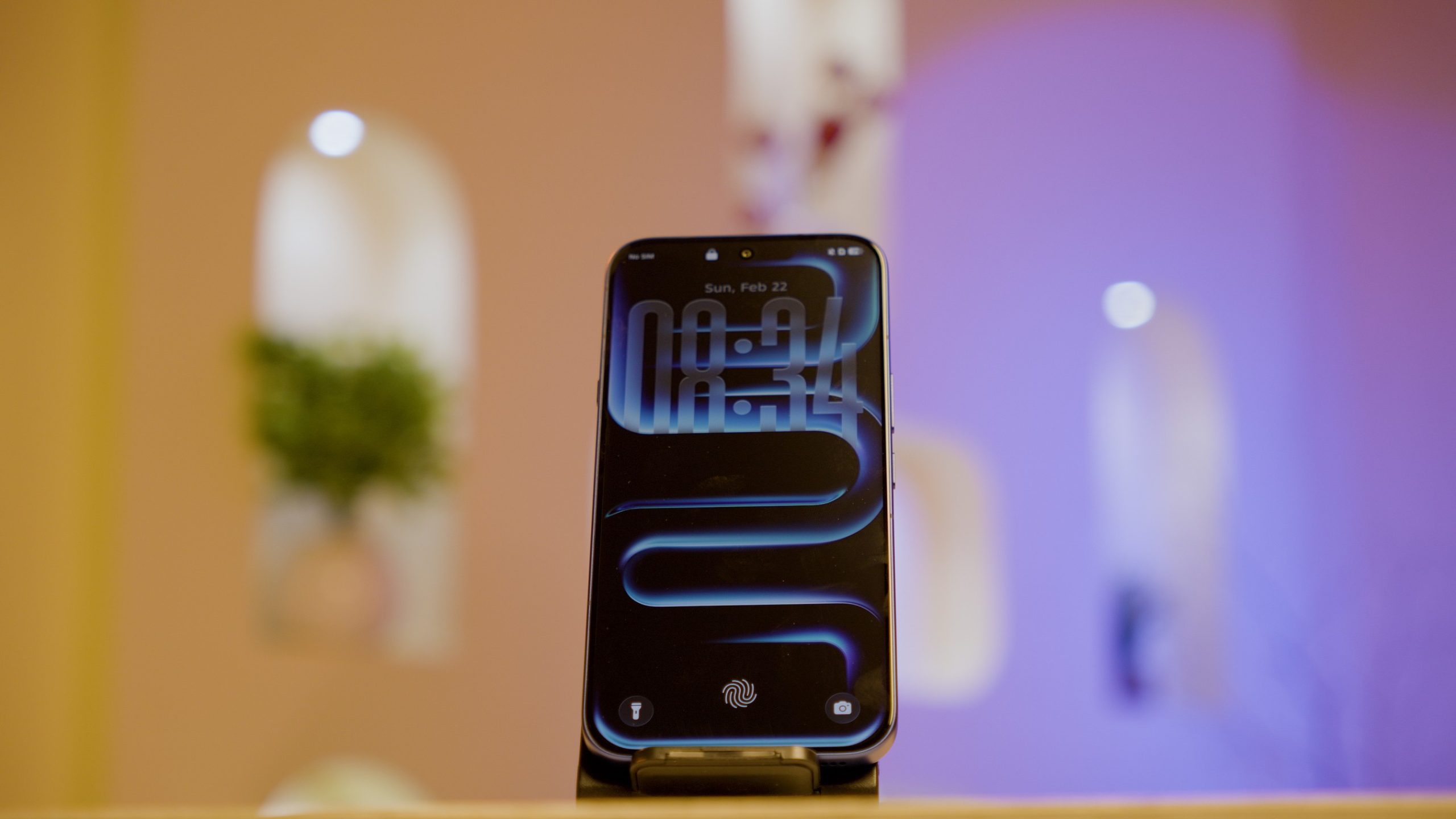
If you buy this phone, you’re buying the battery. The numbers are almost overkill. A 6500mAh cell with a fairly efficient Snapdragon 7s Gen 4 chip means you are looking at a genuine two-day device for 95% of the population. The 90W charging is the real flex here—because Infinix actually includes the 90W brick in the box. In a world where Samsung and Google are selling you a $1,000 phone with nothing but a cable, Infinix handing you a 90W charger that hits 50% in 16 minutes is a tangible middle finger to the industry. That’s a value that’s hard to quantify on a spec table but huge in real life.
The XOS Problem (A Necessary Disclaimer)
I haven’t used this specific phone. But I’ve read the spec sheet for XOS 16, and I’ve seen the history of XOS 15, 14, and so on. The hardware here is running Android 16 with a promise of three major upgrades. That’s an excellent, competitive update policy—if the updates are clean.
Here’s my hesitation: Infinix tends to stuff their software with “Hot Games” folders and pre-installed apps you didn’t ask for. Sometimes the settings menu feels like navigating a bazaar. The processor (Snapdragon 7s Gen 4) is fast enough to handle daily tasks, but UFS 2.2 storage means app installs and large game loads will have a slight pause that UFS 3.1 phones don’t have. It’s not slow, but it’s not flagship-snappy. If Infinix has cleaned up the UI for version 16, this phone is a home run. If they haven’t, you’ll be spending the first hour deleting bloatware on a very powerful piece of hardware.
The Camera: Don’t Expect Miracles
The main 50MP sensor has OIS. That’s good. The 8MP ultrawide is… there. It’s the law of mid-range phones: one decent lens, one lens for emergencies. The spec sheet says 4K30 video. In daylight, it’ll look fine. In low light, you’ll see the noise reduction working overtime. It’s perfectly adequate for Instagram stories and scanning documents. It’s not a reason to buy the phone.
Who This is Actually For
-
The Battery Paranoid: You work long shifts or travel constantly. This is your phone.
-
The Long-Term Owner: The Android 16-to-19 promise (three upgrades) is a genuine reason to choose this over a Motorola that might only give you one or two.
-
The Gamer on a Budget: The Bypass Charging feature (powering the phone directly while gaming) is a high-end feature that saves your battery health. That’s a smart inclusion.
Who Should Skip It
-
Software Purists: If you want the clean, stock Android experience of a Pixel or a Nothing phone, the “XOS feel” will probably annoy you.
-
The microSD User: There is no slot. 256GB is fixed. If you have a 500GB music library on a card, this phone is a hard pass.
The Infinix Note 60 Pro is a hardware-first phone. It fixes the battery anxiety that plagues modern flagships at a fraction of the price. The build quality looks solid (aluminum frame, IP64 splash resistance). The software is the only real question mark, and until the phone is in more hands, it’s the only thing keeping this from being an easy, no-questions-asked recommendation. It’s worth a look if you can tolerate a little software clutter for a lot of hardware muscle.
Subscribe to my whatsapp channel
